How to Connect a PS5 Controller to Multiple Devices
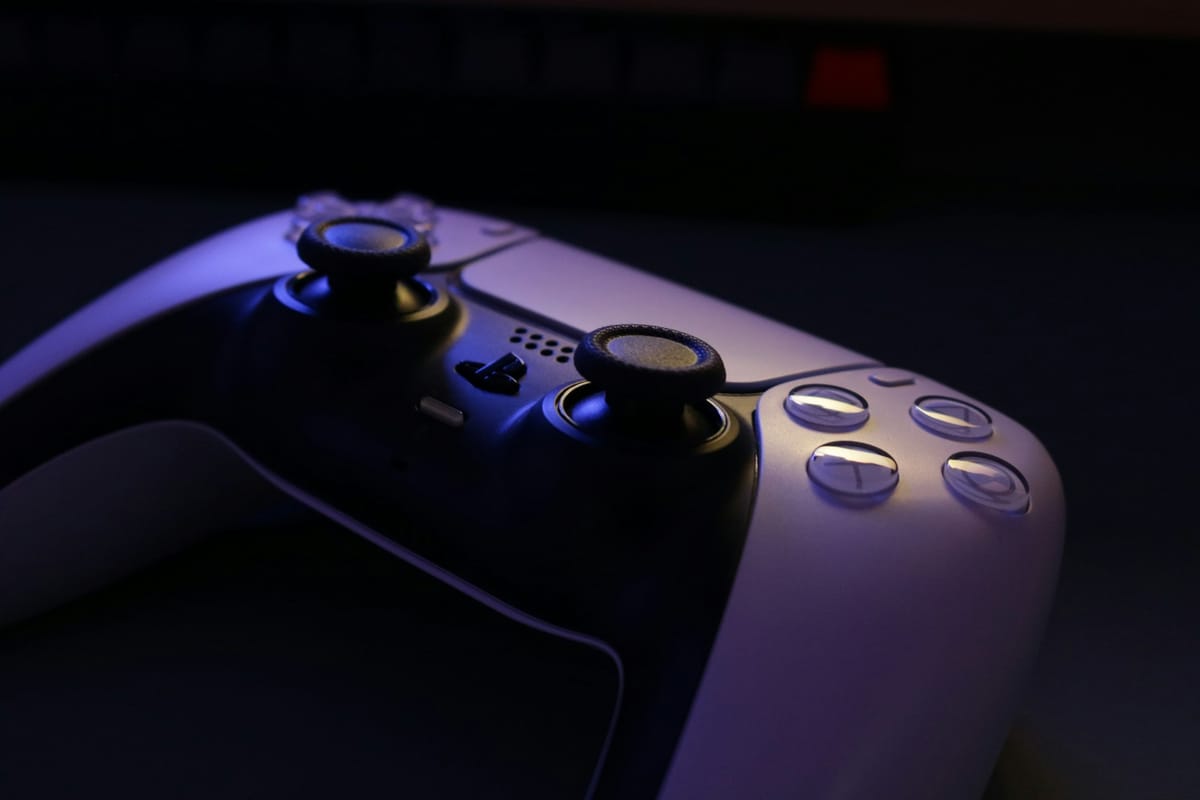
With the recent updates to the PS5, the DualSense wireless controller now offers an easy way to connect to multiple devices such as PCs, Macs, and mobile phones. This guide will walk you through the process step-by-step, allowing you to enjoy seamless gaming across all your preferred platforms.
Preparing the Controller
- Ensure Firmware is Updated: Make sure your controller’s firmware is updated to the latest version.
- Disconnect USB Cables: If a USB cable is connected, detach it to prepare for Bluetooth pairing.
- Turn Off the Controller: Ensure the light bar and player indicator are off. If they are on, press and hold the PS button until they turn off.
Choose a Slot for Pairing: The DualSense controller can store four different device pairings. Decide which device you want to assign to which slot:
- Slot 1: PS button + Triangle button
- Slot 2: PS button + Circle button
- Slot 3: PS button + Cross button
- Slot 4: PS button + Square button
-
Activate Pairing Mode: Press and hold the chosen action button along with the PS button for over 5 seconds. The light bar will flash twice, even if it lights up, don't let go before it flashes.
-
Enable Bluetooth on Your Device: On your target device, go to the Bluetooth settings and select the option to add Bluetooth devices.
-
Select the Controller: From the list of detected devices, choose your DualSense controller. The light bar will illuminate, confirming the connection.
Switching Between Devices
Once paired, switching between devices is straightforward:
-
Turn On the Desired Device: Ensure the device you want to connect to is powered on.
-
Switch Connection: Press and hold the action button for the designated slot along with the PS button for about 3 seconds. The light bar will blink, indicating a switch.
-
Confirmation: The light bar will turn solid and the player indicator will show a blinking pattern based on the active slot.
The PS5 DualSense controller's ability to connect with multiple devices enhances your gaming experience by providing flexibility and convenience. By following these steps, you can streamline your gaming sessions across platforms seamlessly. Enjoy your gaming!